
Smart Home Scenes and Handover
A smart-home scene should have a clear purpose and a predictable result. Define that behaviour in plain language, then use it as the basis for commissioning and handover with the installer.
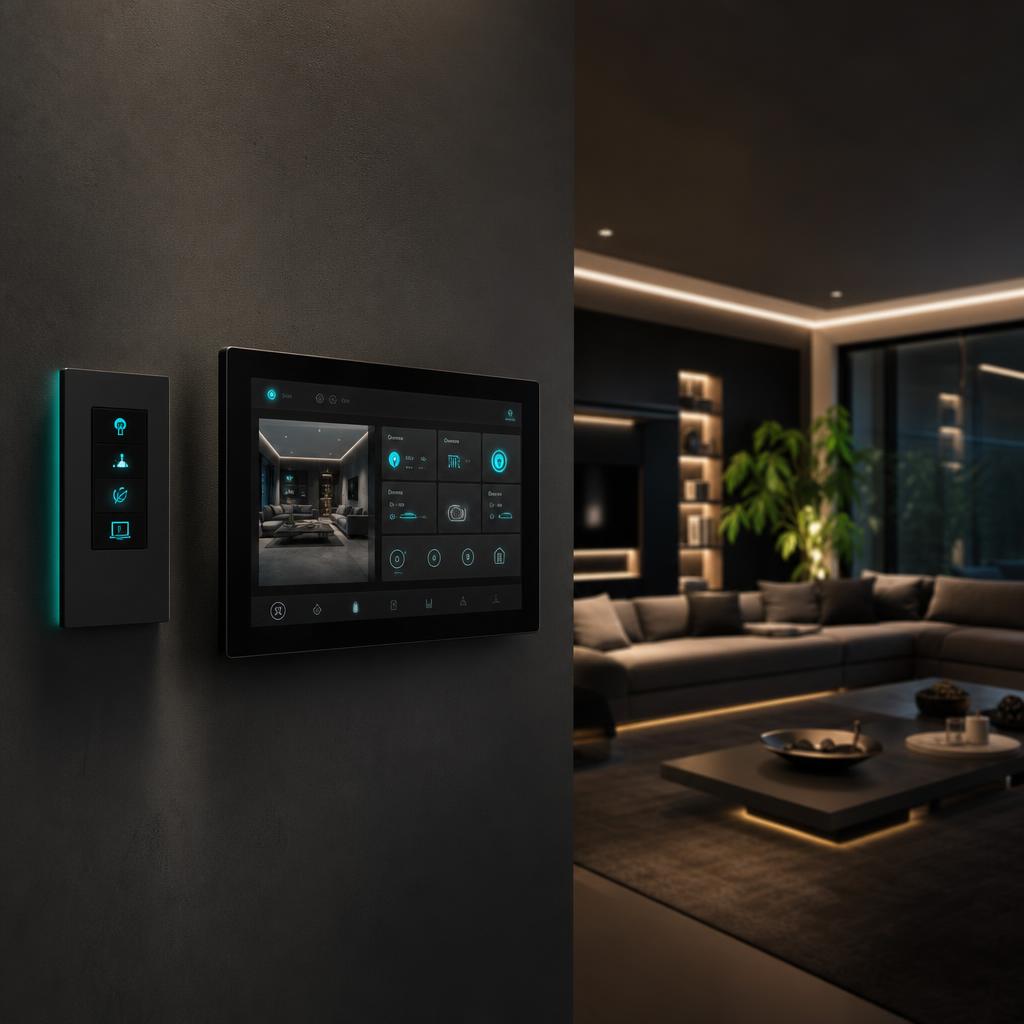
Describe a scene as a household action
“Evening” means different things to different people. Write down the trigger, rooms affected and intended result: for example, a living-room button that selects comfortable lighting while leaving the kitchen usable. Include what should not change, such as a child’s bedroom.
Avoid making one scene responsible for every system in the house. A small, understandable action is easier to test, explain and adjust. Decide whether a scene is activated manually, by a schedule or by a sensor; multiple triggers can create surprising behaviour.
Plan for exceptions and manual control
Ask what happens when someone changes a light after a scene runs. Does the next sensor event override them? Will a schedule restore the previous setting? The design should explain how a temporary override ends and how the household returns to normal operation.
Consider visitors, cleaners and overnight guests. Basic lighting should be understandable without a tutorial. If automated blinds or other moving equipment are involved, have the installer explain the product’s safety features and appropriate supervision; a lighting scene is not a safety system.
- A visible, simple control for ordinary room use.
- An agreed way to pause schedules or automation.
- A record of which rooms and devices each scene affects.
Turn everyday situations into acceptance checks
Walk through the scene list with the installer under normal conditions. Try the agreed user controls and have the installer demonstrate relevant failure behaviour safely. Do not disconnect wiring or interrupt supply yourself to simulate a fault.
Review a late-night bathroom visit, an evening with guests and a return home after being away. These scenarios often reveal more than a demonstration of every device turning on at once. Record any adjustment and retest the affected behaviour before signing it off.
Keep control after the installer leaves
Confirm household administrator ownership, appropriate user permissions and a process to remove old users. Ask whether remote support requires ongoing access and how you can revoke it. Document subscriptions, backups, software updates and any cost for later scene changes.
Keep a simple scene schedule with your handover records. For a ZEOS automation project, bring this checklist into the scope discussion so programming, demonstrations and support boundaries are considered alongside the hardware.
General planning information, not a diagnosis or electrical work instructions. Requirements and equipment suitability must be confirmed for your property.
Need help with smart home automation?
Send a short scene list and explain who will use the system. Ask how commissioning, account transfer and later adjustments would be handled for the proposed equipment.
Explore Smart Home Automation with ZEOS →